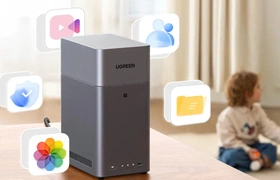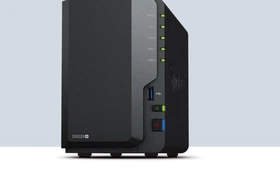
Synology still reigns supreme in the NAS market. But the company has made several missteps, such as limiting drive compatibility on new models and removing certain codecs. Is it time for a new brand to take the crown? That’s what we explore in this review of Ugreen’s DXP2800 NAS.
Unboxing and Installation
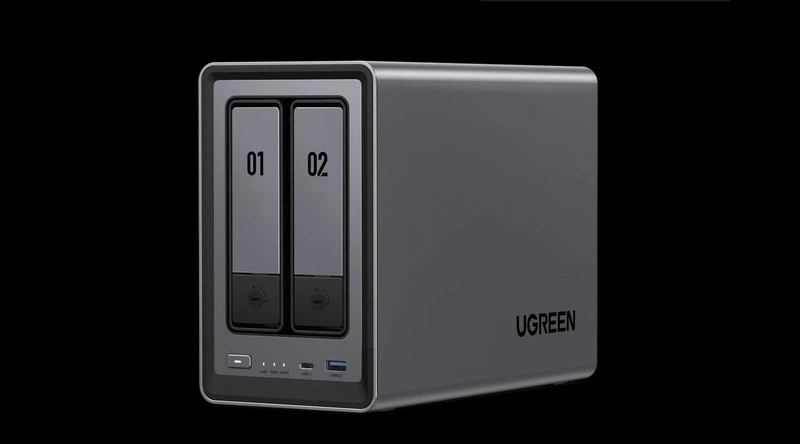
The DXP2800 is a 2‑bay NAS. It features a quad‑core Intel Core N100 chip with a clock speed ranging from 1 GHz up to 3.4 GHz. The NAS includes 8 GB of internal memory, which is quite generous for this segment. It has two bays for 2.5‑inch or 3.5‑inch drives, plus two additional slots for NVMe SSDs. In total, you can install four drives in this 2‑bay NAS. Combined with the amount of RAM, this already makes it a better deal than something like the Synology DS225+.
The NAS includes two 10 Gbit/s USB ports (one Type‑A and one Type‑C), two USB 2.0 ports, and one 5 Gbit/s USB‑A port. On the back, you’ll also find an HDMI port. You can connect it to a TV and cast media through the Ugreen app. The DXP2800 also features a 2.5 Gbit/s Ethernet port.
We unbox the NAS and remove the drive bays to install the drives. The bays are secured with a simple twist lock that you open using a small included coin‑shaped tool. Installing our 2.5‑inch drives is easy. Before sliding them back in, we also screw in two NVMe SSDs. For this, the NAS needs to be placed on its side, after which installing the SSDs is straightforward. Conveniently, Ugreen includes thermal pads.
This NAS supports RAID 0, 1, 5, 6, 10, and JBOD. You can start with a single drive without RAID and later convert it to RAID 1 while keeping your data intact, duplicating your files across multiple drives.
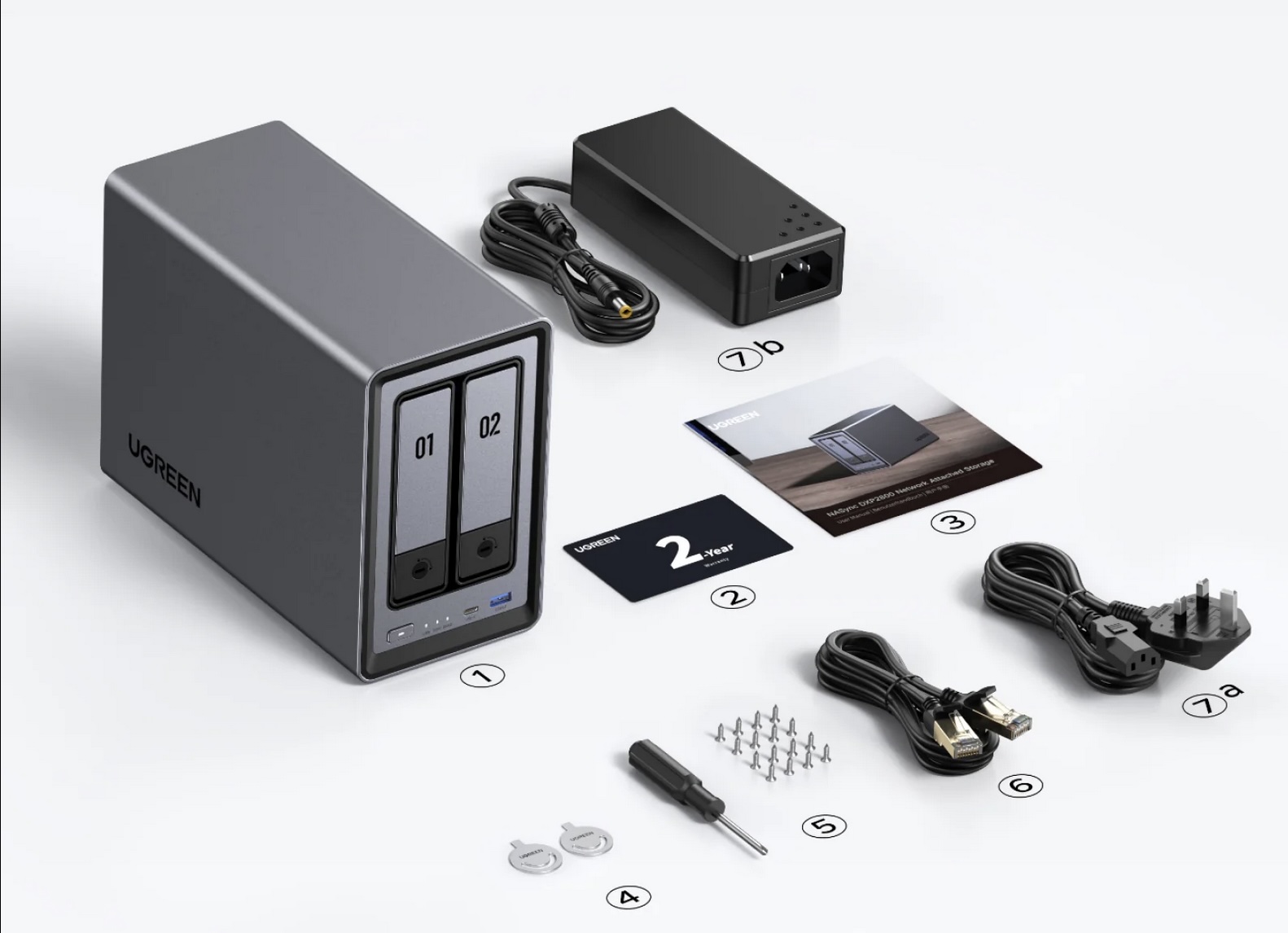 Everything included with the DXP2800 NAS.
UGOS
After installing the drives, we power on the NAS and get started. Setup is simple: just like with Synology, you can visit a website that scans your network for the NAS. From there, you can connect and install it. Ugreen provides apps for Windows and macOS, though these are essentially web wrappers for the browser interface. Still, the desktop app works well.
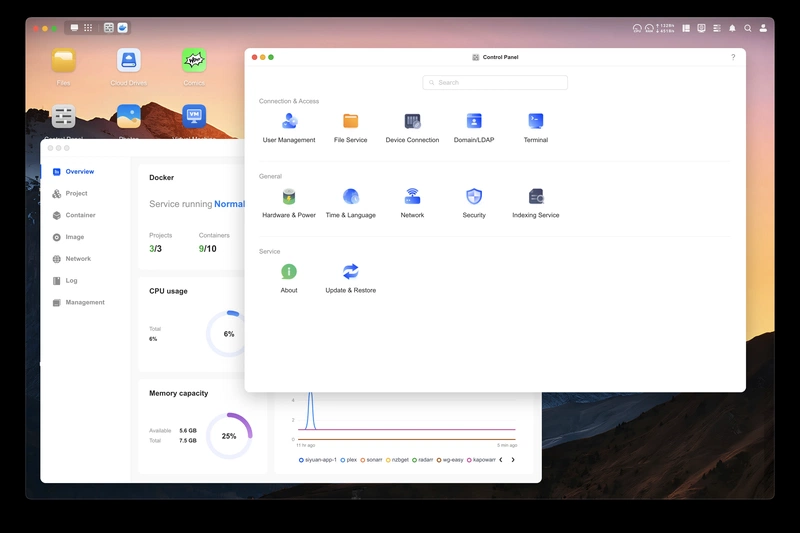
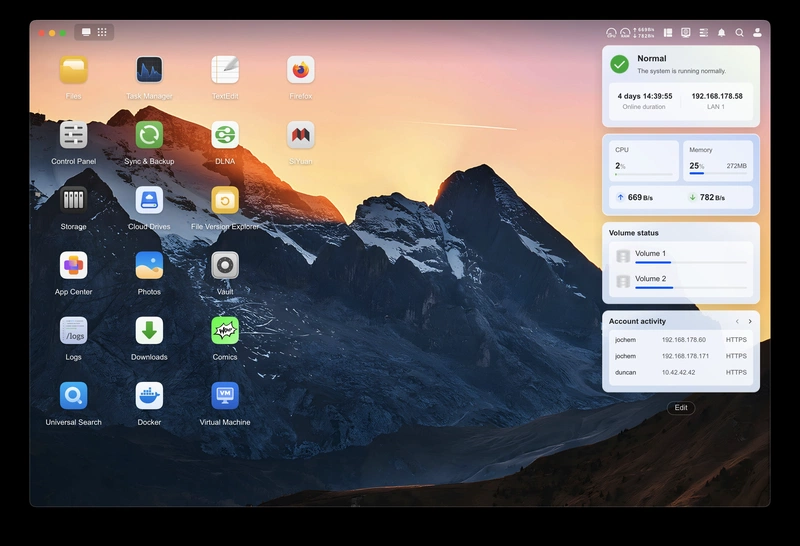
In terms of interface, UGOS, which is what Ugreens NAS operating system is called, looks a lot like Synology DSM. It took a moment to get used to, as many things look slightly different, but that didn’t last long. You get a desktop with icons, a top taskbar, and a system tray in the upper right. Nothing complicated. Some translations in UGOS are poor and clearly machine‑translated.
Ugreen is a Chinese company, which will understandably be a dealbreaker for some. However, UGOS is based on Debian, which is very convenient because it allows you to install Debian applications directly (though you cannot update all packages generically, or UGOS will break). For example, to install Tailscale, you can simply SSH into the NAS and follow Debian’s installation instructions.
You can also completely remove UGOS and install another NAS operating system if you prefer. Ugreen ships the NAS with an unlocked bootloader. Connect a monitor, create a bootable USB with TrueNAS Core or Unraid, and install it onto one of your drives.
Ugreen also offers a Ugreen Link service that lets you access the NAS remotely. It works similarly to Synology’s solution. However, we do not use Ugreen Link, as there’s a good chance your data will pass through Chinese servers — something we prefer to avoid.
Lots of Docker
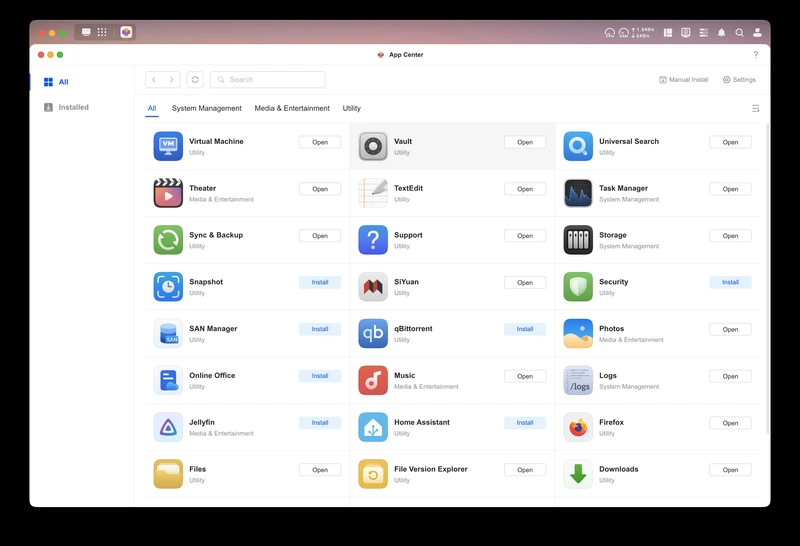
UGOS’s app selection is nowhere near as extensive as that of other NAS vendors. One of the most important apps for many users is the Photos app, and we’re quite happy with it. UGOS supports facial and object recognition (which you can toggle on or off). The Photos app also supports many formats, including HEIF/HEIC, DNG, and Live Photos.
The app is simple and clear. You see your timeline and can quickly jump between years. You can also switch to folder view. There are albums you can create yourself, and Ugreen generates several automatic ones, such as recognized people, objects, locations, and recent photos.
Through the Ugreen app for Android and iOS, you can view your photos and back them up from your phone. To perform the backup, the app must remain open — it cannot back up in the background.
Other Ugreen apps include a text editor, Jellyfin, Firefox, Cloud Drives (supporting only OneDrive, Google Drive, and several Chinese services), a Vault app for encrypted storage, Home Assistant, Downloads, Docker, Virtual Machine, DLNA, Theater, Music, Security (ClamAV antivirus), Firefox, Online Office, SiYuan (a wiki/Notion‑like tool), and Comics.
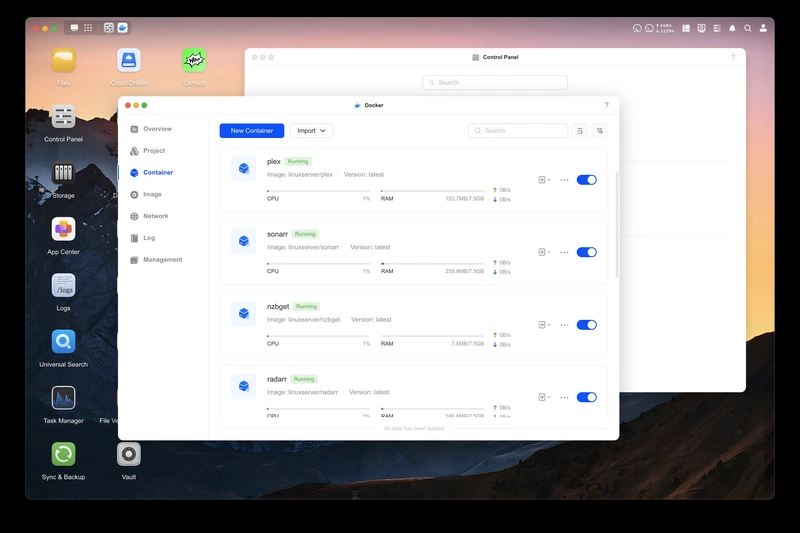
That’s not a lot, so you’ll rely heavily on Docker. Fortunately, Docker works very well in UGOS. You can easily import docker‑compose files into the Docker app, and updating containers is just a single click. Some apps in the App Center run via Docker, such as Jellyfin, SiYuan, and Firefox. The downside is that using Docker requires some knowledge, so there is a learning curve.
The UGOS app for Android and iOS is an all‑in‑one app from which you can open all UGOS apps. Unlike Synology, you don’t get separate apps for music, photos, and videos — you simply tap Photos, Videos, or other sections within the Ugreen app. It actually works quite well.
Conclusion
Ugreen’s DXP2800 NAS is an interesting offering. You get plenty of internal memory, and with both SATA and NVMe slots, you can install four drives in a 2‑bay NAS, making it future‑proof.
UGOS is, of course, not as extensive as Synology DSM, but it runs stable, is based on Debian, and with Docker or a virtual machine you can install anything you want. Ugreen is also rapidly improving UGOS, and if you don’t like it, you can simply install another operating system.
Pros
- NVMe and SATA slots
- 8 GB of internal memory
- Choice of UGOS, TrueNAS, or Unraid
- Great Docker app and solid Photos app
Cons
- Ugreen is a Chinese company, so we avoid using Ugreen Link
- UGOS is not yet as feature‑rich as Synology DSM
Information
- Price at time of review: 300 euros
- Tested UGOS version: 1.11.0.5300
- Website: https://nas-eu.ugreen.com/