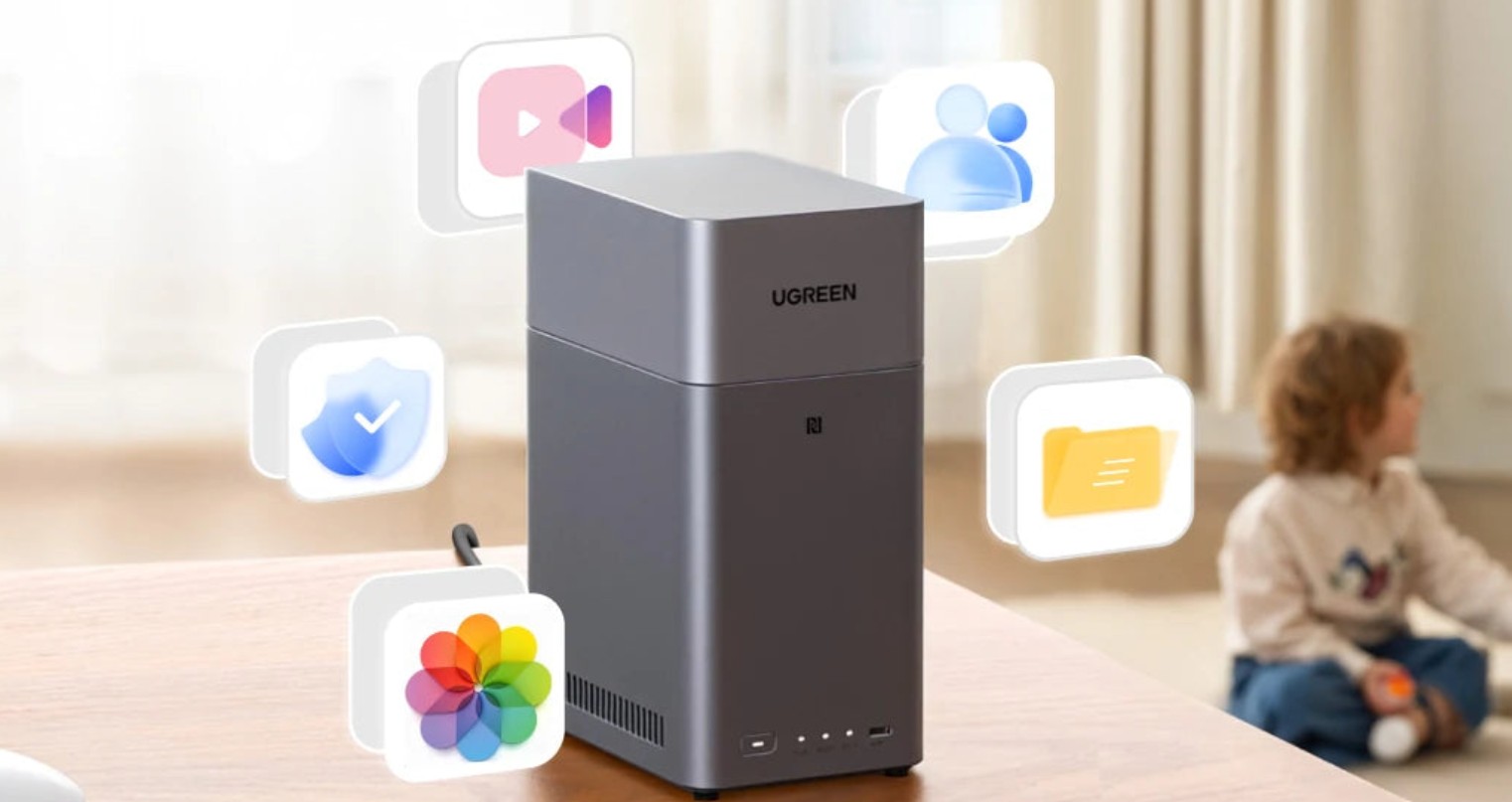
UGOS is the operating system used on Ugreen's NAS devices. With UGOS, you can manage your photos, music, and videos, download files, and create backups. The operating system also includes an app for running Docker containers and creating virtual machines. In addition, UGOS lets you manage your drives with ease. Ugreen is a relatively new player in the NAS market, competing with established brands through strong hardware specifications and competitive pricing. You can also access UGOS from Windows, Mac, or your smartphone.
What's new?
Ugreen has released version 1.12 of its UGOS operating system. This update introduces several improvements to the Control Panel. For example, email addresses are no longer displayed in plaintext, and the SMB options have been enhanced. In addition, a number of bugs have been fixed in this release, including issues in the Files and Storage apps.
You can find the full changelog, as well as instructions on how to upgrade, below.
Information
| Version number | 1.12.0.0095 |
| Release status | Stable |
| Released at | 29-12-2025 |
| Platforms | Ugreen NAS |
| Developer | Ugreen |
| Paid/Free | Free |
Download Links
Instructions
You can upgrade your NAS by going to the Control Panel. Then navigate to Update & Restore and click on Update check interval.
Changelog
Control Panel
- User Management - Users: Enhanced user privacy protection mechanism; user email addresses are no longer directly displayed in plain text.
- Security - Account security: Added a “Remove” option to the account blocking whitelist function, supporting batch deletion of users in the whitelist.
- File service: Optimized the SMB service configuration to improve connection compatibility.
- File service: Fixed an issue with abnormal character encoding conversion in the FTP service.
- File service: Fixed an issue where mapped folders failed to open properly in the SMB service.
Thumbnail
- Control Panel - Indexing Service: Optimized the thumbnail generation logic; thumbnails are now generated synchronously only when accessing files.
- Control Panel - Indexing Service: Added the “Advanced settings” option, supporting setting the pre-generation range.
- Files: Supports displaying thumbnails for external storage, generated synchronously only upon access.
- Improved thumbnail generation speed and optimized resource usage.
- Optimized the issue of partial thumbnail color deviation.
Files
- Supports mounting resources in “115 Life” app as network folders, compatible with “115 Life” app (requires updating mobile clients to v1.12.0 or higher).
- Fixed an issue on Web/PC where downloading an image in the image viewer after deduplication showed a file size of 0KB.
- Fixed an issue on Web/PC where deleting an image that was currently open caused the next deletion action to become unresponsive.
Others
- Storage: Fixed an issue where differences in volume naming sequences caused abnormal capacity calculation.
- Fixed some known issues to improve user experience.